
Hidden Picture classroom game
Turn one picture into a clue-by-clue classroom game. Reveal tiles as learners make their guesses, then present from the same screen.
How to use it
- Upload a picture and add a short description for learners who cannot see it.
- Customize the title, grid, tile numbers, theme, and accent color.
- Preview the board, then present it and reveal one tile at a time after each clue.
- Download JSON to edit later or HTML for a self-contained offline presentation.
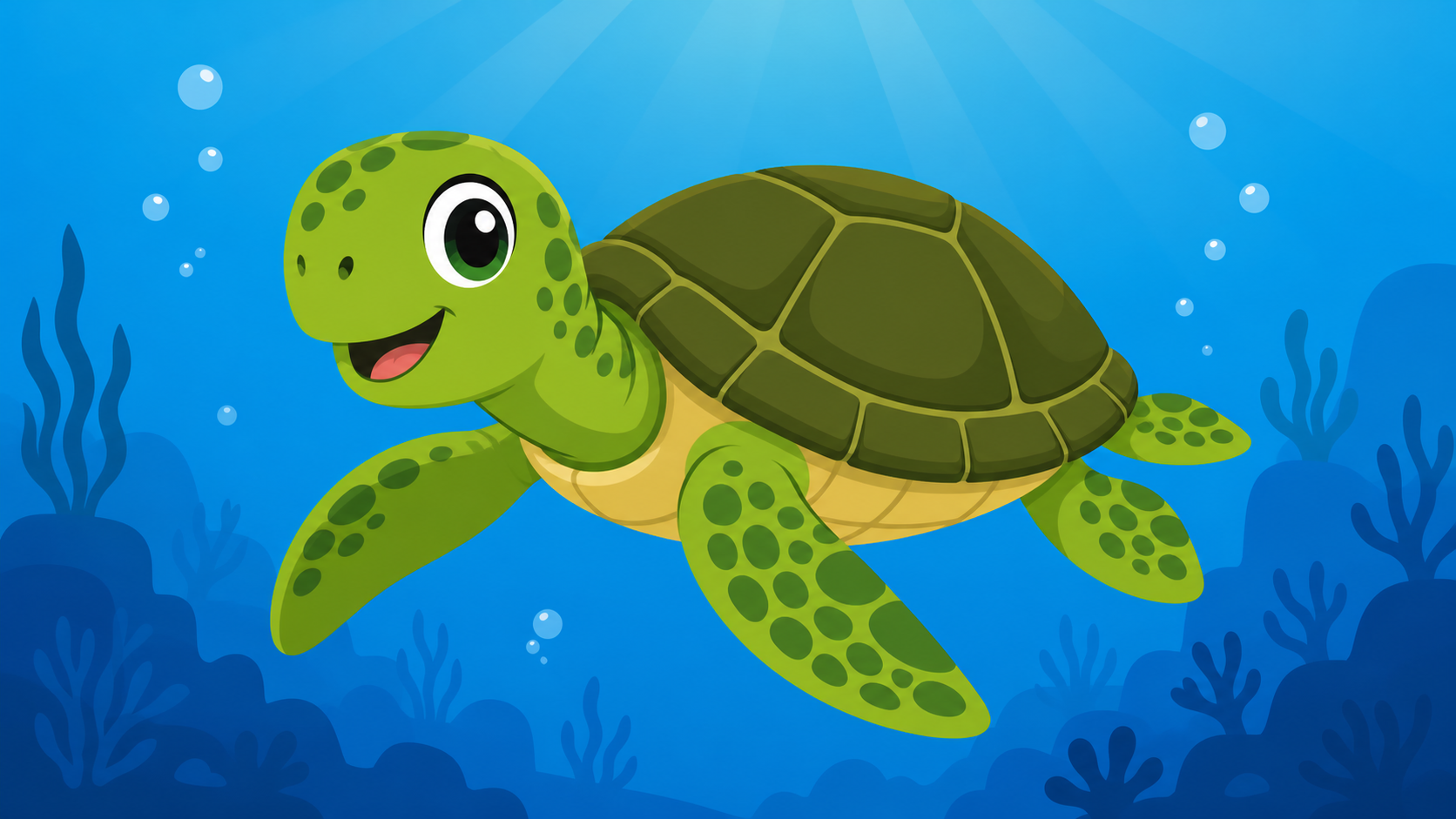
Example: discover a sea turtle
Give a clue such as “This animal has a hard shell.” Ask learners to make a guess, reveal one tile, and invite them to identify the green sea turtle as more of the picture appears.
Frequently asked questions
- Can I use the same-device link from Google Slides?
- Yes. The same-device link opens the saved activity only in the browser profile that created it. For a portable presentation, download the HTML file and open that file on the presentation device.
- Does QuizShelf upload my picture or activity?
- No. Editing, previewing, JSON export, and HTML export process the picture and activity on your device. Nothing is sent to a QuizShelf server by this static release.
- Can I share a public link or QR code with learners?
- Not in this validation release. User-created public links and QR codes are not included; use the same-device link, JSON, or offline HTML instead.